
Picture a small bakery that used to bake bread only once a week, checking each loaf by hand before deciding whether it was good enough to sell. Now imagine that same bakery installed a system that bakes small batches constantly throughout the day, tests each batch automatically for quality, and moves anything that passes straight to the shop shelf without a human needing to inspect every single loaf. That’s essentially what a CI/CD pipeline does for software, except the “bread” is code, and the “shop shelf” is the app or website that customers actually use.
What CI Actually Means, Without the Acronym Soup
CI stands for Continuous Integration, but forget the term for a moment. What it really means is that when a developer finishes a small piece of work, instead of sitting on it for days or weeks, they combine it with everyone else’s work immediately, and a computer instantly checks whether it breaks anything. Think of a group of people writing a book together, where every new paragraph gets checked the moment it’s submitted, rather than waiting until the whole book is finished to discover that two chapters contradict each other.
What CD Actually Means, Without the Acronym Soup
CD stands for Continuous Delivery or Continuous Deployment, and it picks up right where CI leaves off. Once that new piece of work has been checked and passes all the tests, CD is the conveyor belt that moves it toward being live for real users. Continuous Delivery means the finished, tested work sits ready to go, waiting for a human to press one final “yes, ship it” button. Continuous Deployment goes one step further and skips that button entirely, sending changes live automatically the moment they pass every check.
What a Pipeline Actually Looks Like, Step by Step
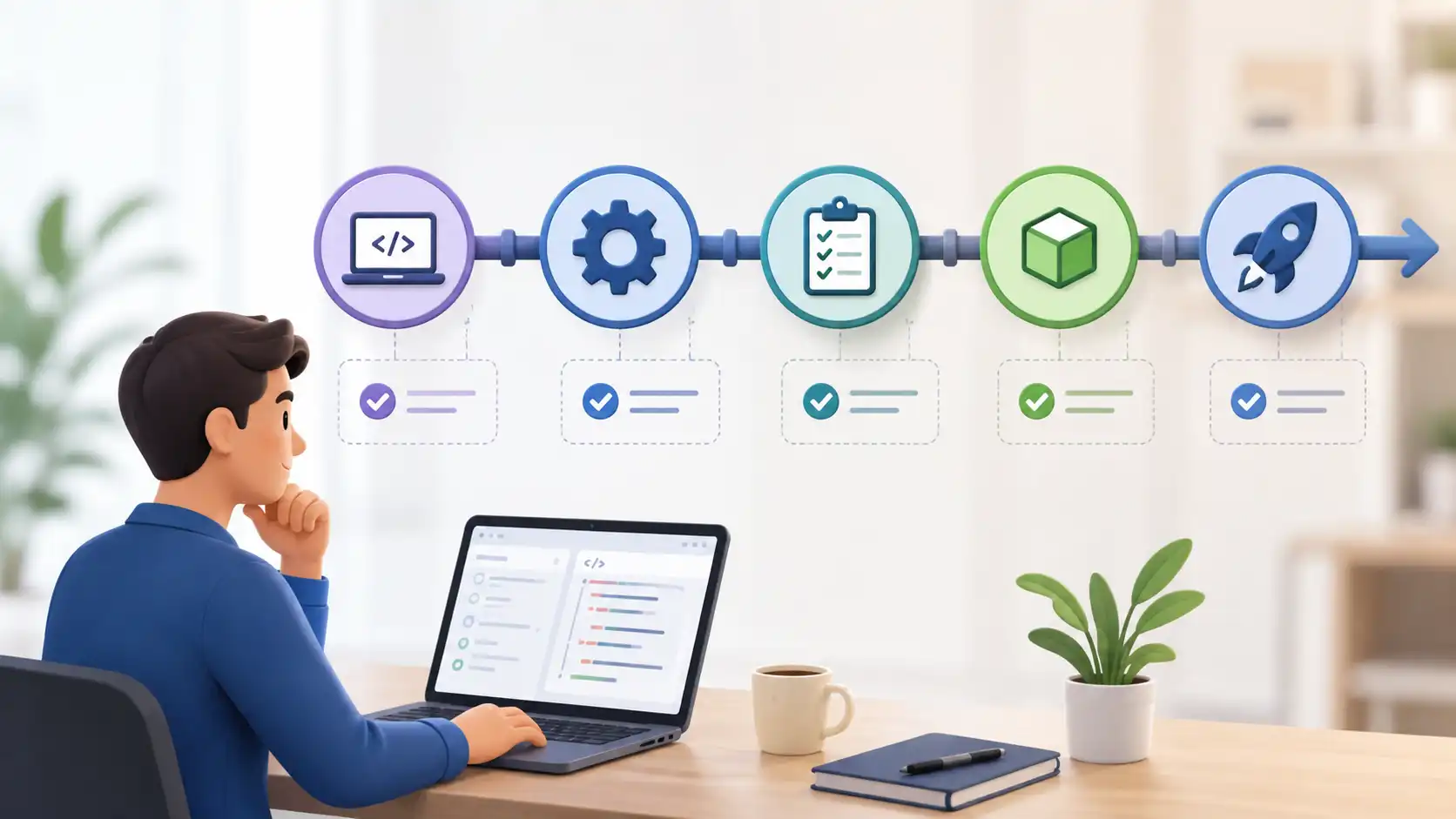
Strip away the tool names and a CI/CD pipeline is really just three questions asked automatically, every single time someone changes the code. First, does it build? This checks whether the code compiles or assembles correctly at all, the same way you’d check whether a recipe’s ingredients actually come together before you taste it. Second, does it pass its tests? This runs a set of automated checks that try to catch mistakes before a human ever sees them. Third, is it safe to release? This is where the finished result either waits for a human’s approval or ships automatically, depending on how the team has set things up.
Why Companies Bother With All of This
Before pipelines like this existed, releasing software often meant a stressful, manual, late-night process where one small mistake could break everything for every user at once. Automating the build-test-release cycle means mistakes get caught within minutes of being introduced, while the change is still fresh in the developer’s mind, rather than weeks later when it’s tangled up with dozens of other changes. It also means updates can go out in small, low-risk pieces many times a day instead of one large, high-risk release every few months.
Why This Matters Even If You’ll Never Build a Pipeline Yourself
If you’re in QA, project management, IT support, or any role adjacent to a development team, you don’t need to build a pipeline to benefit from understanding one. When a deployment fails, or a manager asks why a fix is taking three days to reach production, understanding that the pipeline runs a build, then tests, then a release step helps you ask the right questions and understand the honest answer, instead of just being told “it’s stuck in the pipeline” and having no idea what that means.
A Simple Real-World Example
Say a developer fixes a typo on a company’s pricing page. They save that change, and within minutes an automated system builds the website with the fix included, runs a set of checks to confirm nothing else on the site broke, and then either deploys it live automatically or flags it for one quick human approval. What used to take a scheduled release cycle of days or weeks now takes minutes, and it happened without anyone needing to manually copy files to a server at midnight.
Common Mistakes to Avoid When Learning This Concept
Trying to learn a specific tool like GitHub Actions or Jenkins before understanding the underlying build-test-release concept is the most common mistake, since it means memorizing syntax without understanding what that syntax is actually trying to achieve. Another common mistake is assuming CI/CD is only relevant to developers, when in reality anyone who works alongside a development team benefits from understanding it. Confusing Continuous Delivery with Continuous Deployment is also common, even though the difference, a human approval step versus none, matters a lot in practice.
Future Trends to Watch
Pipelines are increasingly being extended beyond just code, with security checks and cost estimates now built directly into the same automated build-test-release flow rather than handled separately afterward. AI-assisted tools are also starting to suggest fixes automatically when a pipeline fails, which means understanding what the pipeline is checking for will matter more than memorizing any specific error message, since the tools themselves are changing quickly.
Final Recommendation
You don’t need to become a DevOps engineer to benefit from understanding CI/CD in plain terms, but if you want to go further and actually build and manage pipelines yourself, itechnets’ DevOps training programs walk through real pipeline setup step by step, building on exactly the plain-language foundation covered here rather than assuming prior jargon knowledge.
FAQs
What’s the simplest way to explain CI/CD to someone non-technical?
It’s an automated assembly line for software that checks new code the moment it’s added, then moves anything that passes safely toward being live for users, without someone manually copying files around.
What’s the actual difference between Continuous Delivery and Continuous Deployment?
Continuous Delivery keeps the tested code ready to release but waits for a human to approve the final step. Continuous Deployment skips that approval and releases automatically once all checks pass.
Do I need to know how to code to understand CI/CD?
No. Understanding what a pipeline does at a conceptual level, build, test, release, doesn’t require writing code yourself, even though building one from scratch eventually does.
Why do pipelines sometimes fail, and is that a bad thing?
A pipeline fails when a check doesn’t pass, such as a test breaking. This is actually the system working as intended, catching a problem before it reaches real users rather than after.
Is learning CI/CD worth it if I’m not planning to become a DevOps engineer?
Yes. Developers, QA staff, and IT support professionals in Pakistan increasingly work alongside pipelines daily, and understanding the concept makes you more effective even without changing your job title.